
A light, free Windows photo viewer that opens iPhone photos (HEIC) too
Windows usually needs a paid HEVC extension to show HEIC photos. light-view opens them without it: free, fast and safe.
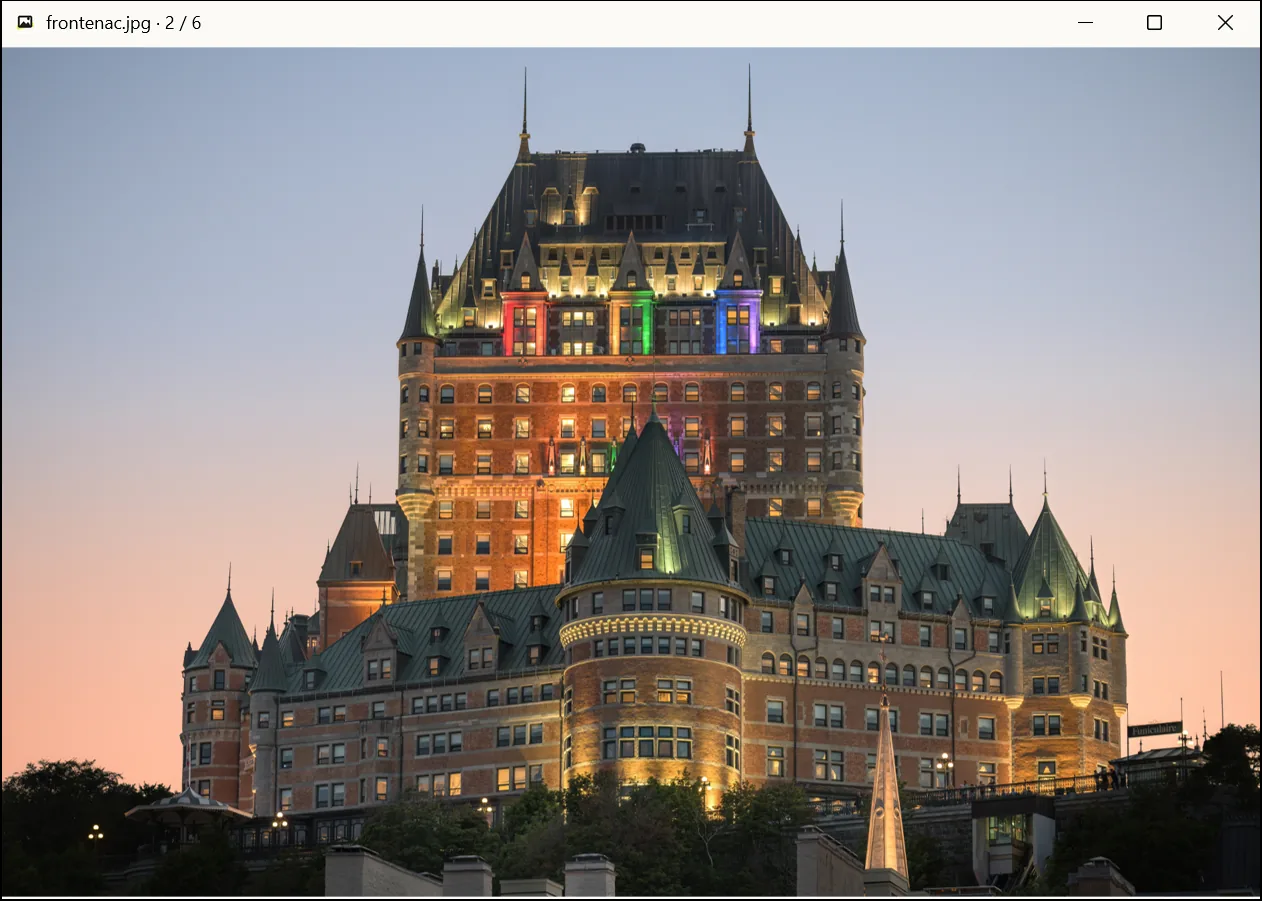
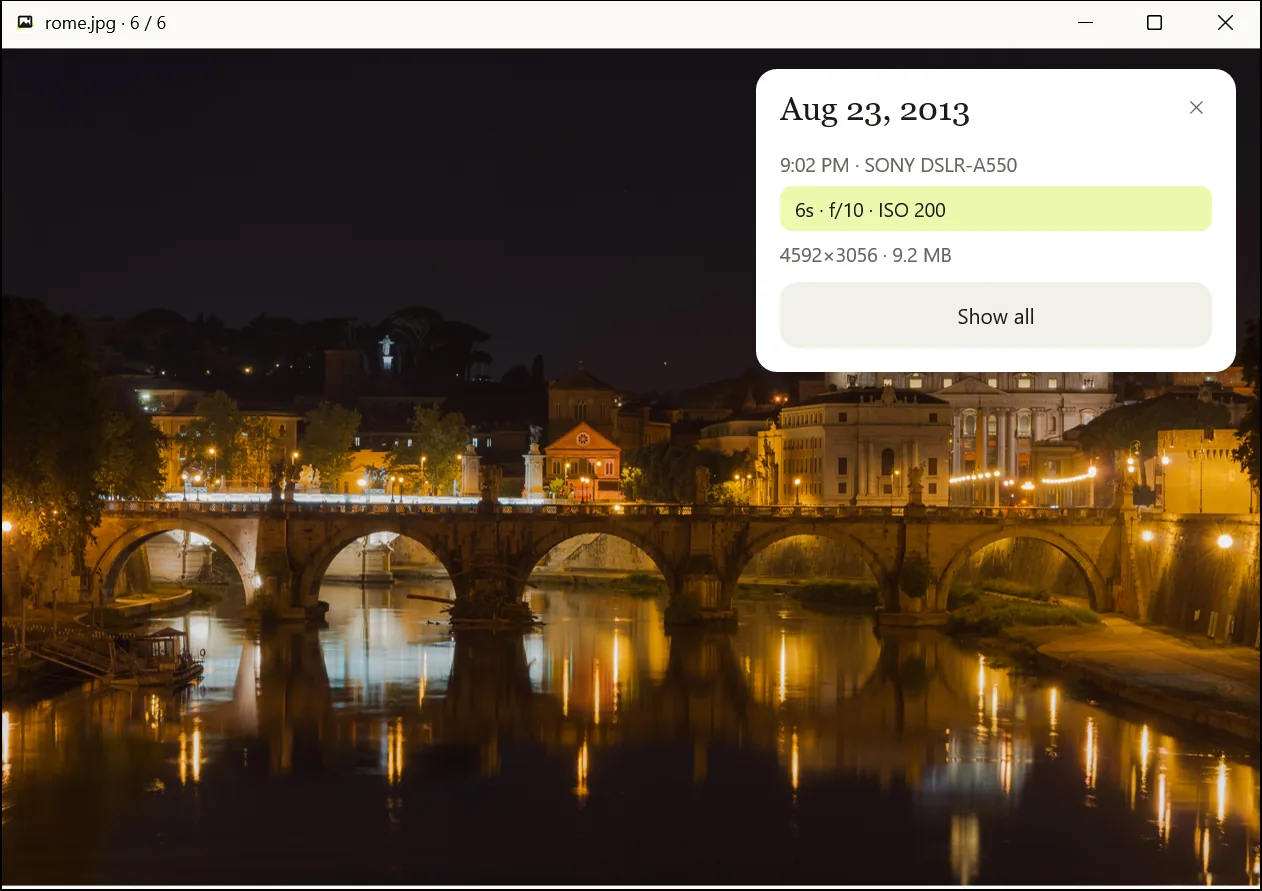
When, and with what camera
Press I for a small card with the date taken, the camera and the exposure. Show all lists every tag and copies any value.
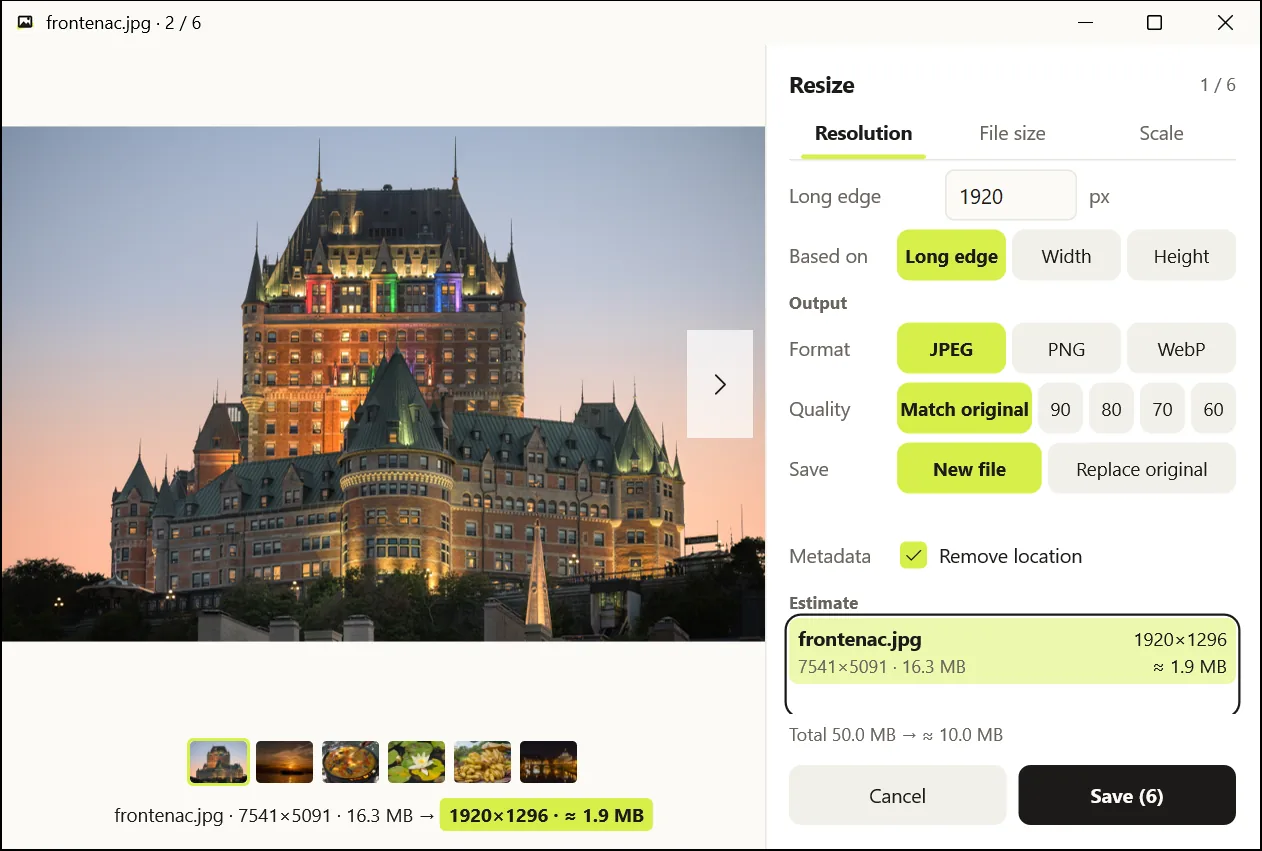
Resize a batch for upload
Shrink several photos at once to a resolution, file size or scale. You see the result sizes before saving, and location data is removed by default.
Also
iPhone photos for free
Opens HEIC and HEIF without the paid HEVC extension, and JPEG, PNG, GIF, WebP and BMP too.
Flip through a folder
Double-click a photo and it opens; ← and → go through the folder. Zoom with the wheel or a double-click.
Lossless rotation
Rotate with Ctrl+← / Ctrl+→ and save with Ctrl+S. JPEGs are rotated without losing quality.
Delete with undo
Delete sends a photo to the Recycle Bin; Ctrl+Z brings it back.
HEIC thumbnails in Explorer
The installed copy shows HEIC thumbnails in Explorer. The all-users install also fills the preview pane and the Details tab.
Safe by design
- Photos are decoded (C code) only in a separate worker process with reduced rights, so one bad file cannot put the app at risk.
- The app has no ads and no tracking. Its only network use is an update check you turn on yourself.
- Every release comes with SHA-256 checksums. Releases are not code-signed yet.
- Open source (MIT or Apache-2.0). The code is on GitHub.
FAQ
Is it really free?
Yes. It is an open-source program with no ads and no paid features.
Windows says "Windows protected your PC".
Releases are not code-signed yet, so this can show on first run. Check the checksum, then choose More info → Run anyway.
Where is the official site?
Only lightview.goodflow.dev and github.com/hyunwook-kim-goodflow/light-view. Do not run copies from anywhere else.
Double-click a photo and it opens
Photos in the screenshots: Wilfredor, Jebulon (CC0, Wikimedia Commons)